
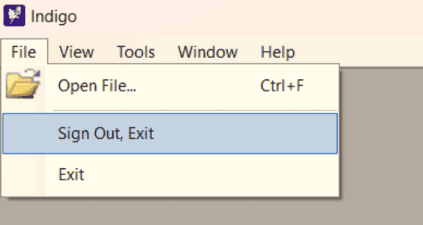
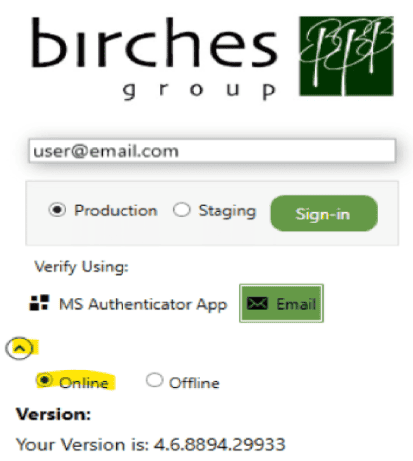
Open your Indigo application with a stable internet connection. Then, click on "Sign Out, Exit" to restart the login process. Please make sure "online" is selected from the dropdown in the login form before clicking on the "Sign-in" button.
This is part is often overlooked but if still does not work, please reinstall Indigo from the Microsoft Store, as it can be a local machine configuration issue that can be reset upon reinstallation. In case the issue persists, kindly reach out to us at softwaresupport@birchesgroup.com and send a screenshot of the error you are encountering.